Advertisements
With an amount of R$ 1,050 about to be paid, Caixa Tem promises to bring joy to many this Saturday. Find out more!
By making R$ 1,050 available, Caixa Tem promises to bring joy to several individuals next Saturday (21). Thus, those selected will have the chance to use the amount to settle financial debts, pay off current bills, purchase food, and meet other everyday needs.
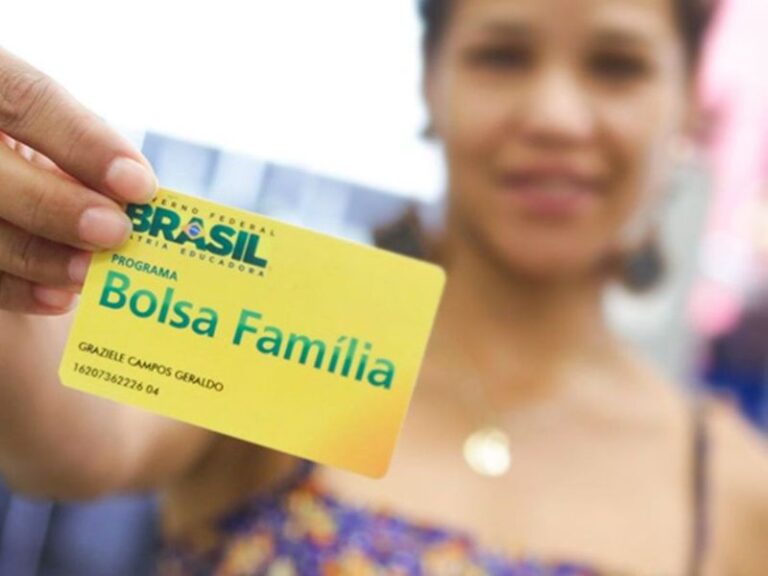
However, Caixa Tem will not release this payment to everyone. In fact, this offer is specifically aimed at Bolsa Família beneficiaries who have children, adolescents, and pregnant women in their household. Additionally, to access this amount, those selected must have a specific detail in their identification. Check below.
Read also:BOLSA FAMÍLIA: Find out about the payments scheduled for TODAY (10/19)
Who is eligible for the Caixa Tem payment?
In addition to children, adolescents, and pregnant women, those eligible must have a Social Identification Number (NIS) ending in 4. This is because the amount in question represents an advance on the Bolsa Família installment intended for those who would originally receive it only on Monday (23).
As usual, the distribution follows a set schedule. However, when a payment is scheduled for a Monday, those who use Caixa Tem have the option to access the benefit on the preceding Saturday. Thus, during this period, users whose NIS ends in 4 will be able to make the transfer as early as next Saturday (21).
It is crucial to highlight that belonging to a certain family configuration and having an NIS ending in 4 are not the only conditions. The Federal Government only grants Bolsa Família to families that comply with the regulations, meaning those with an income of no more than R$ 218 per member and registration with CadÚnico.
Read also:Bolsa Família registration checks are still underway
How to check the amount through the app?
- Open the Caixa Tem app (available for Android and iOS);
- Log in;
- Find and select the “Bolsa Família” option;
- Wait for the chat to activate and select “Continue”;
- Finally, choose to check the benefit statement, consult the schedule, learn how to withdraw the amount, or resolve any questions.